



AARP Hearing Center



























.jpg?crop=true&anchor=17,8&q=80&color=ffffffff&u=8wsalu&w=2025&h=1164)























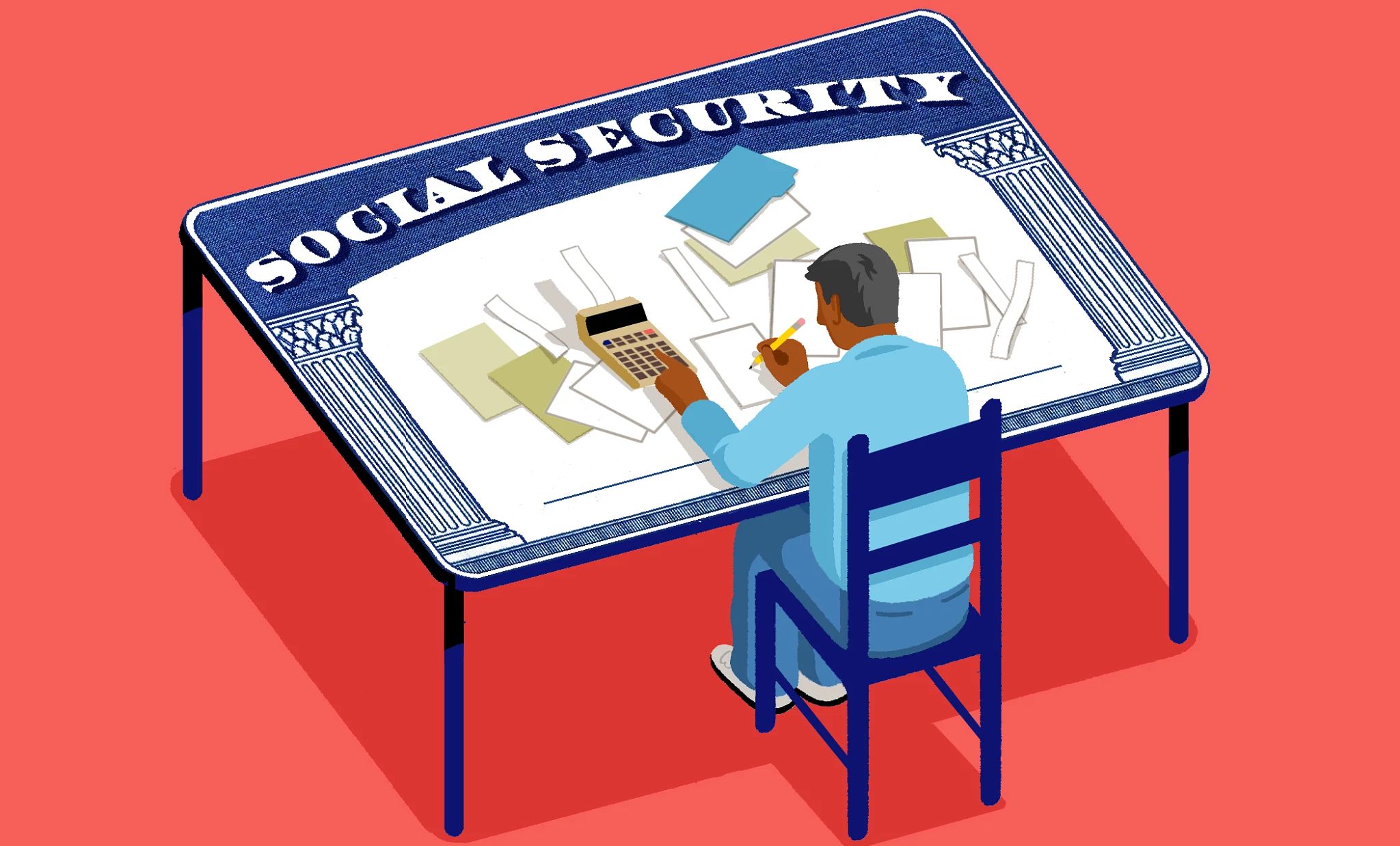
Let’s take a look at simplifying the process of accessing your Social Security information online. By setting up a My Social Security account on SSA.gov, you can unlock a wealth of services, including estimating your future benefits, updating personal information and even replacing a lost Social Security card. For further information, visit: https://www.aarp.org/retirement/social-security/
Key takeaways
- Create a My Social Security account to access benefits estimates and services anytime.
- Follow Login.gov prompts to register email, confirm identity and build a secure password.
- Enable two-factor authentication to protect My Social Security account and verify each login.
Summary
Setting up a My Social Security account is an important step in managing Social Security benefits online. The process begins on SSA.gov, where you create an account through Login.gov by entering an email, confirming it and setting a strong password. You will also choose a two-factor authentication method and provide personal information to verify your identity.
Once the account is created, you can estimate future benefits, update personal details or replace a lost Social Security card at any time. The secure login process, including one-time verification codes, helps protect your information and guard against identity theft, giving you convenient and safe access to essential services.
The key takeaways and summary were created with the assistance of generative AI. An AARP editor reviewed and refined the content for accuracy and clarity.
Full transcript
[0:00:00] Hi, I’m Mary Liz Burns, and in my work with AARP,
[0:00:04] I try to simplify the more complex aspects of Social Security.
[0:00:08] If you want to know
[0:00:08] how much your Social Security benefit could be when you’re ready to claim,
[0:00:12] you can find that out, and so much more, by just doing this one thing online.
[0:00:18] Let’s look at how to set up a My Social Security account
[0:00:21] on ssa.gov.
[0:00:24] Setting up an account gives you
[0:00:26] the power to get estimates of your future benefits,
[0:00:29] update your personal information or replace a lost Social Security card.
[0:00:34] You can do these things anytime, day or night, from the comfort of your home.
[0:00:38] First, go to the My Social Security signup page
[0:00:42] at ssa.gov and click on Create an Account.
[0:00:47] On the next page, click the link that says Create an account with Login.gov.
[0:00:52] Follow the prompts from there. The site will ask you to enter
[0:00:55] your email address and select a preferred language.
[0:00:58] You’ll then get an email from Login.gov with a link
[0:01:01] to confirm your email address. At this stage,
[0:01:04] you’ll be prompted to create a strong password with at least 12 characters,
[0:01:09] which you should save in a safe place for easy retrieval when needed.
[0:01:13] Next, choose the two-factor authentication method the Social Security
[0:01:17] Administration should use in order to verify it’s you when you log in.
[0:01:22] Finally, you’ll need to enter some personal information SSA
[0:01:25] will use to confirm your identity.
[0:01:28] This is a common practice for sites that house sensitive information
[0:01:31] like your bank or credit card company. For peace of mind,
[0:01:35] know that the Social Security Administration works to protect
[0:01:38] your privacy and guard against identity theft.
[0:01:42] They’ll send you a one-time code each time you log in to your account
[0:01:46] so they can verify your identity.
[0:01:48] That’s it. You’re all set.
[0:01:50] You can access your Social Security information any time you want.
[0:01:54] I hope you found this helpful and you take the time to set up your account today.
[0:01:58] It’s so worth it.
[0:02:00] To learn more, go to aarp.org/SocialSecurity
[0:02:06] Please take a moment to subscribe to our YouTube channel
[0:02:09] so you won’t miss out on future videos like this from AARP.


