Upfront/GO
Protect Your Phone While Traveling
Thieves want the device—and all the data it holds
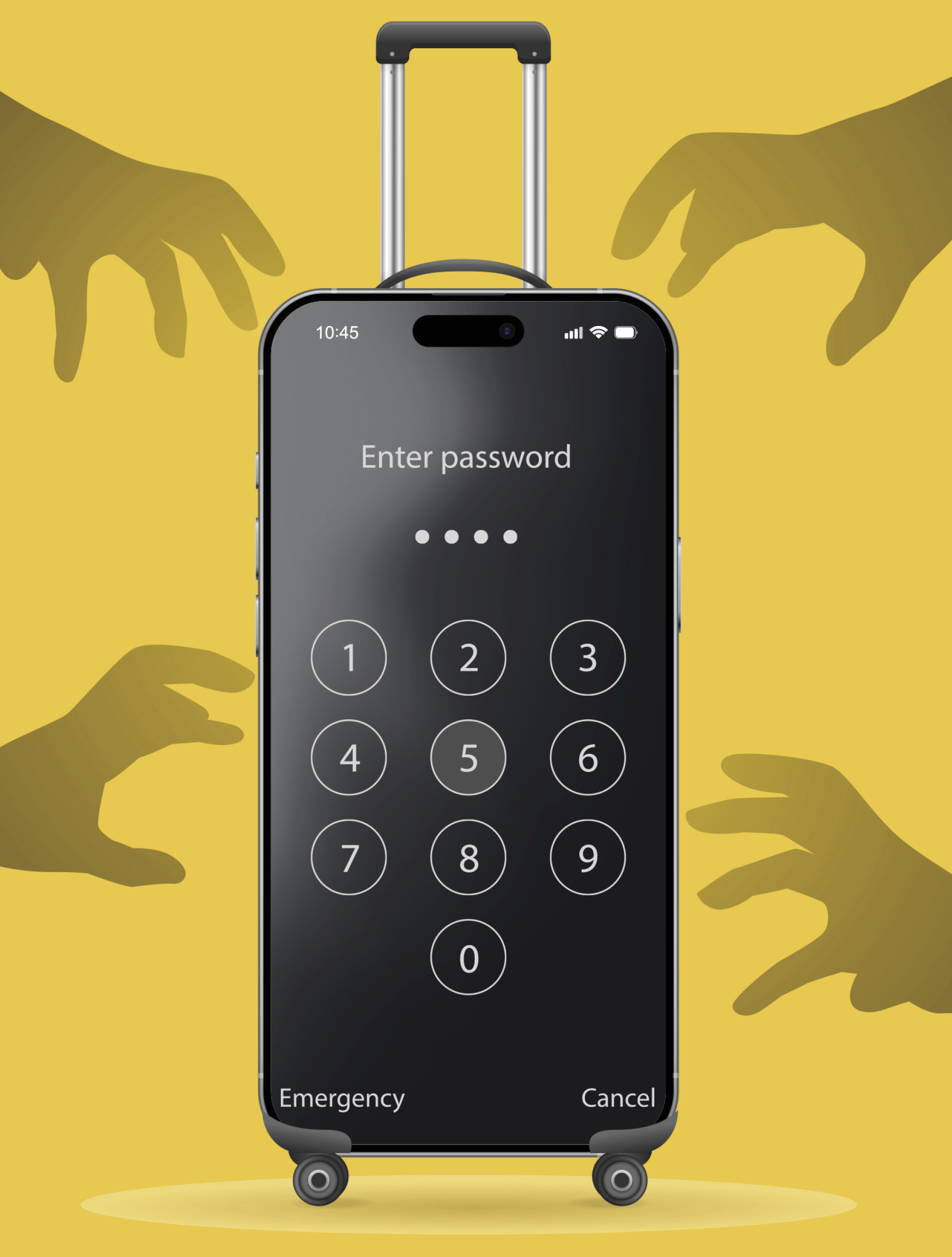
WHEN MY WIFE and I were on vacation in Chile, a motorcyclist sped by me and ripped my phone out of my hand. I panicked. That wasn’t just a phone. It held banking apps, photos, an image of my passport. To keep your information safe, here’s what cybersecurity experts say are the steps you should take in advance of a trip.
BEFORE YOU GO:
→ Back it up. Recovering a phone after theft is rare, so your data may be gone for good. But both Apple and Google offer remote cloud storage that automatically saves phone content. Keep your cloud login handy; you’ll need it if your phone is stolen.
→ Turn on your phone’s location. Activate traceability (Find My on iPhone; Find Hub on Android) so you can mark your phone as missing, if necessary.
→ Enable biometrics. You should have a strong password, but turning on facial or fingerprint recognition to unlock your phone adds a layer of security because prying eyes will not see you entering a passcode.
→ Activate advanced settings. These settings may detect behaviors common to theft, such as a grab and sprint motion (Android). Or they may require extra steps to reset passwords in an unusual location (Apple). Enable Stolen Device Protection on iPhones and Advanced Protection on Androids.
IF YOUR PHONE IS STOLEN:
→ Mark it missing. Use another device to report that your phone is gone. For Androids, go to google.com/android/find. For iPhones, go to icloud.com/find. By doing this, you’re remotely locking your phone.
→ Wipe it clean. If you can’t recover your phone, remotely erase its data by going to the “find” links mentioned above.
→ Secure linked accounts. Use another device to log in to any accounts linked to your phone and change your passwords. Notify your cell carrier and any linked financial institutions. —Michael Frank
ACCESS KEY DOCUMENTS FROM ANYWHERE
The AARP Digital Vault offers secure cloud storage for important records. Find this membership add-on at aarp.org/myvault