Upfront/TECH
Ask the Tech Guru

I’m tired of all these spam calls. How can I quickly tell who’s calling?
AARP personal tech columnist Edward C. Baig responds:
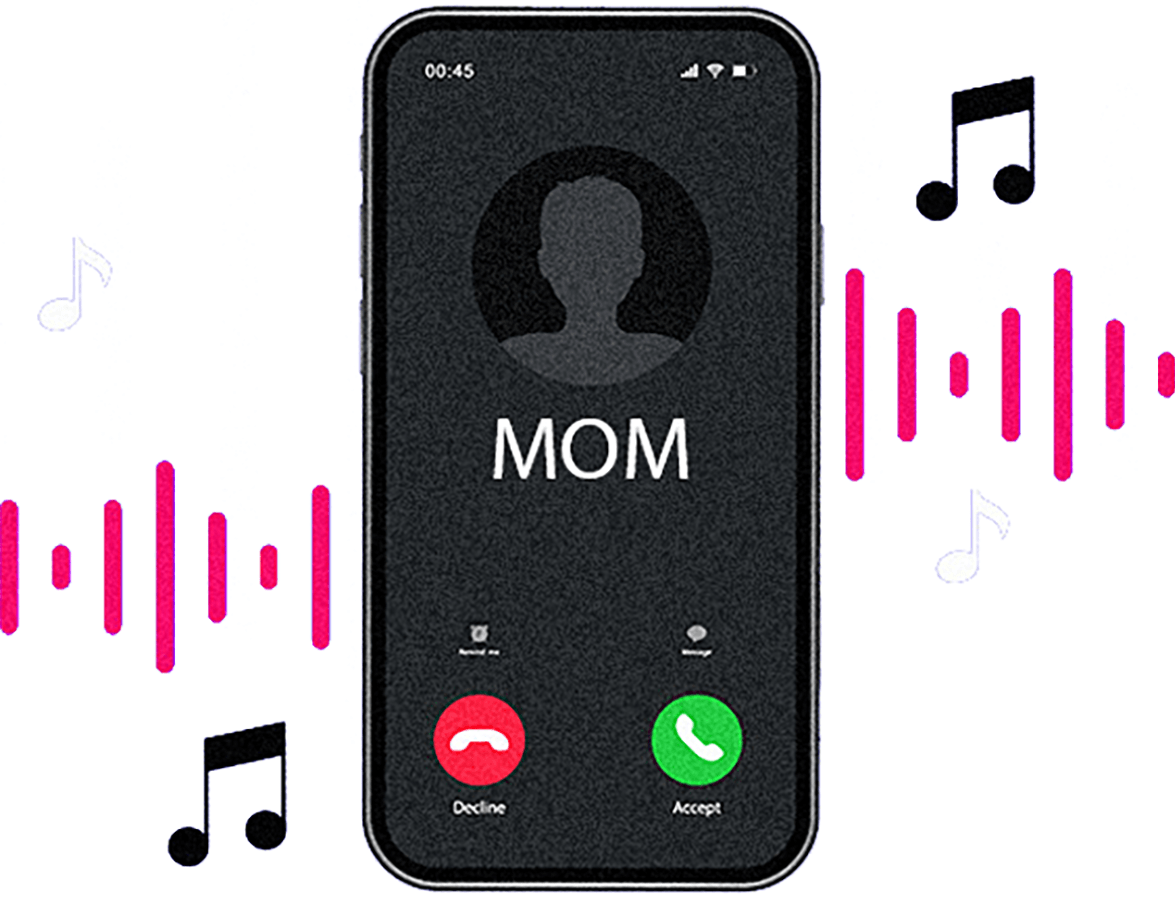
You can give each person a different ringtone or assign by category—one for friends, another for family and another for certain businesses. After that, when you get a call with the phone’s default ringtone, you’ll know instantly the caller is not in your inner circle and you may not need to answer it.
On an iPhone, tap the person’s name in Contacts, then Edit in the upper-right corner. Scroll down and tap Ringtone. If you haven’t assigned the person a ringtone, “Default” appears next to the name. Tap Default, scroll down the list of available ringtones and tap the one you want.
On a Samsung Galaxy, tap Contacts to launch the app or choose a contact inside the Phone app. Next, tap the circled “i,” then More (three vertical dots), then Change ringtone/vibration. From the menu that appears, tap either Ringtone or Call vibration, depending on which you want to change. If you pick Ringtone, scroll to the tone you want to identify that caller. Do the same to identify a contact by their vibration patterns, which have names such as “Waltz,” “Zig-zig-zig” and “Bounce.”
For more tech advice, go to aarp.org/techguru