Upfront/TECH
Ask the Tech Guru

I use my new computer for one to two hours every evening. Should I let it go into sleep mode or shut it down when done? —Mike P.
AARP personal tech columnist Edward C. Baig responds:
There are tempting reasons to leave the computer on. You may not want to wait for the computer to start up again, or you want what you were working on to be immediately available on the screen the next morning.
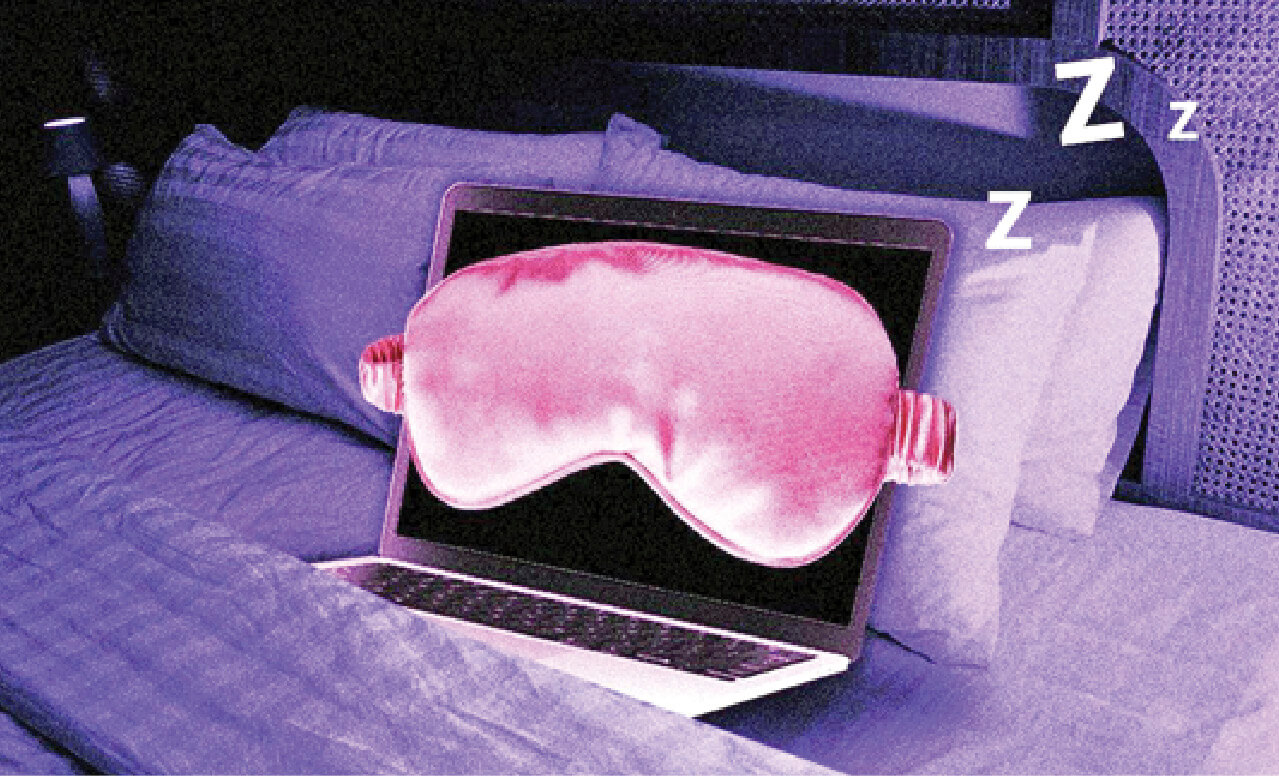
Or, in some cases, your computer might need to run “background tasks” overnight, such as backing up files, running malware scans or installing software updates.
But there are also good reasons to shut it down. A computer that is not running is more secure against cyberattacks and other vulnerabilities. Turning it off can also prolong battery life and use less electricity. And the computer's components receive less wear.
A good practice is somewhere in between. Do a full shutdown or reboot at least once a week to give the system a fresh start; glitches seem to magically disappear after a reboot. Otherwise, sleep mode is fine.
Go to aarp.org/techguru to read more columns.