Upfront/TECH
Stop Waiting on Hold!
Your phone does the boring work for you
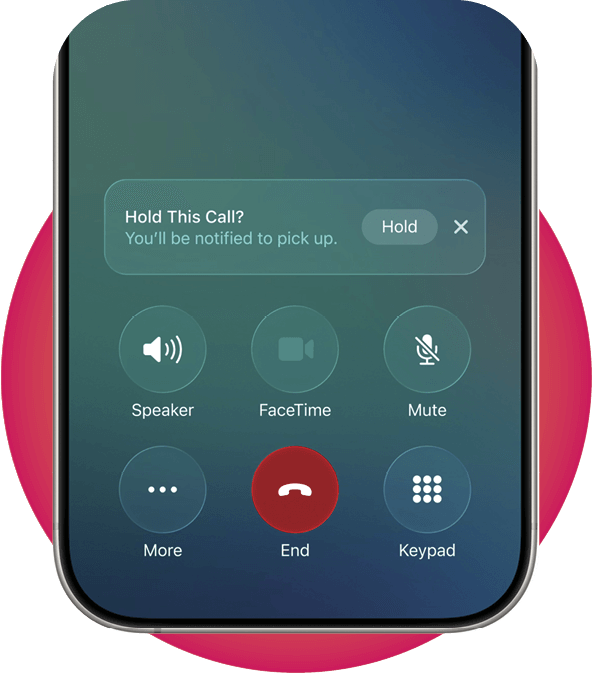
THE NEXT TIME you’re on indefinite hold for customer service, use the new Hold Assist feature on your iPhone. It notifies you when a person comes on the line, otherwise freeing you to go about your day. When on such a call, tap More, then Hold Assist. Or for automatic detection, go to Settings, then Apps, then Phone, then Hold Assist Detection. Toggle the switch on. This is similar to a feature on Google Pixel phones called Hold for Me. In the Phone app, tap More, then Settings, then Hold for Me. Toggle the switch on. —E.C.B.