Upfront/TECH
Ask the Tech Guru

I bought a new personal computer and would like to donate my old one. For privacy, I want to make sure nothing remains on the hard drive. What steps do I need to take?
AARP personal tech writer —Edward C. Baig responds:
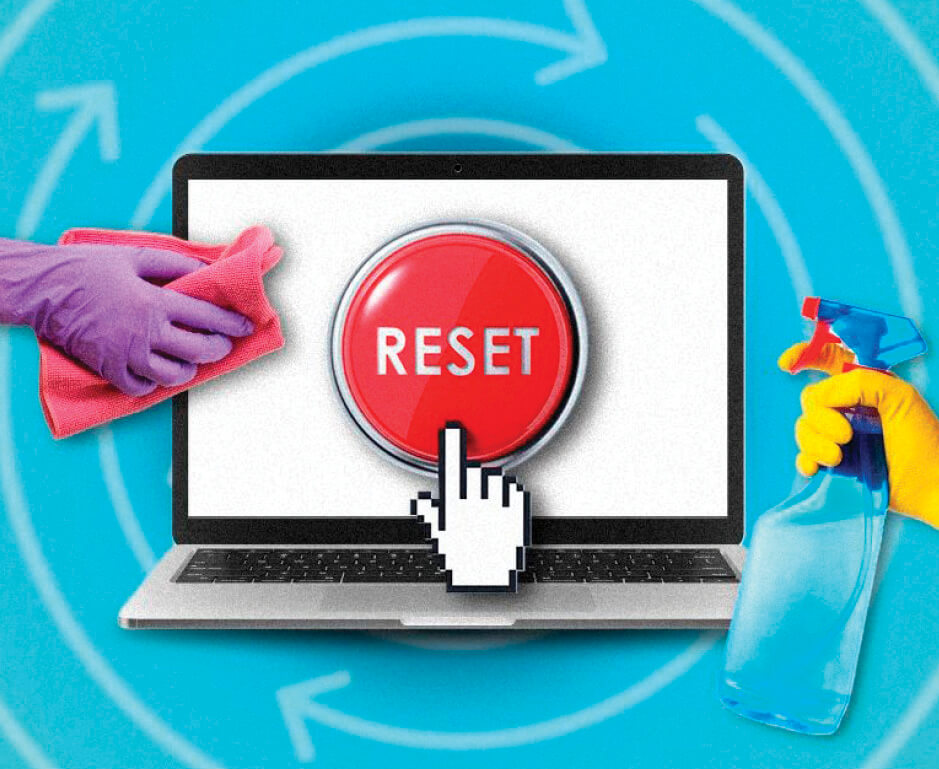
It isn’t enough to just delete personal files. A better method is to reset the machine to factory settings, but only after ensuring that your photos, videos, documents and any other important files have been moved to your new computer.
Erasing a Microsoft Windows PC
On Windows 11 PCs, open Settings, then System, then Recovery, then Reset PC. Select Remove Everything as your next step. Then choose the Clean Data option to expunge files and bleach the drive clean.
Erasing an Apple Mac
Click the Apple menu at the top-left corner of the screen and choose System Settings or System Preferences. Then click General and scroll down to Transfer or Reset. Next, click Erase All Content and Settings. You’ll be asked to enter your credentials and then click Unlock and Continue.
Go to aarp.org/techguru for more tips.