Upfront/TECH
Ask the Tech Guru

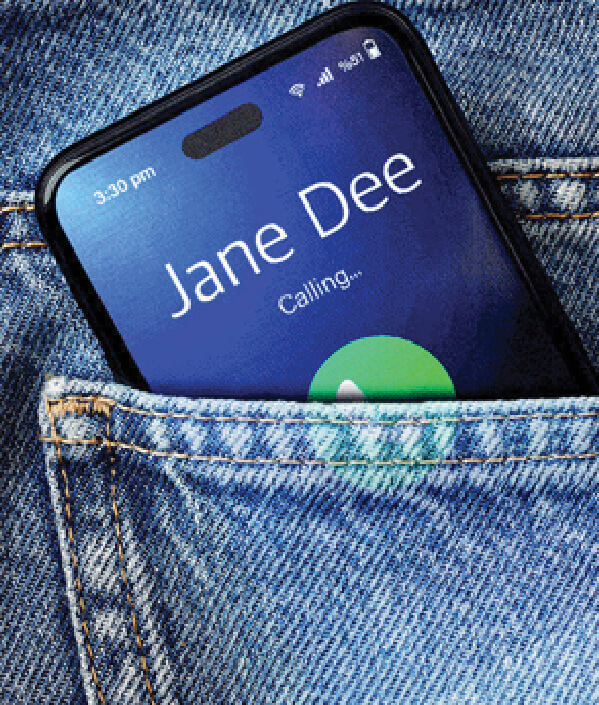
I accidentally dial people from time to time, which surprises me because I lock my phone. Why does this happen, and what can I do to prevent it?
AARP personal tech columnist Edward C. Baig responds:
Even if they’re locked, many phones “wake up” when they detect movement. To disable this feature, iPhone users should go to Settings, then Display & Brightness, then Raise to Wake. For Samsung Galaxy phones, it’s Settings, then Advanced features, then Motion and gestures, then Lift to wake. Another tip? Turn off certain gestures that activate the phone. On an iPhone, go to Settings, then Accessibility, then Touch, then Tap or Swipe to Wake. Unlocking will then require pressing the power button and swiping up. On a Samsung, go to Settings, then Advanced features, then Motions and gestures, then Double tap to turn on screen.
Go to aarp.org/techguru to read more columns.