Upfront/TECH
Ask the Tech Guru

I installed a software update on my phone, and now the battery doesn’t hold a charge as long. Does the battery need to be replaced, or do I need a new phone? —Ruth L.
AARP personal tech writer Edward C. Baig responds:
If you notice that the battery life on your phone decreased immediately after an update, the situation could be temporary. Some background tasks associated with the update can drain the battery, so wait a few days to see if it resolves itself.
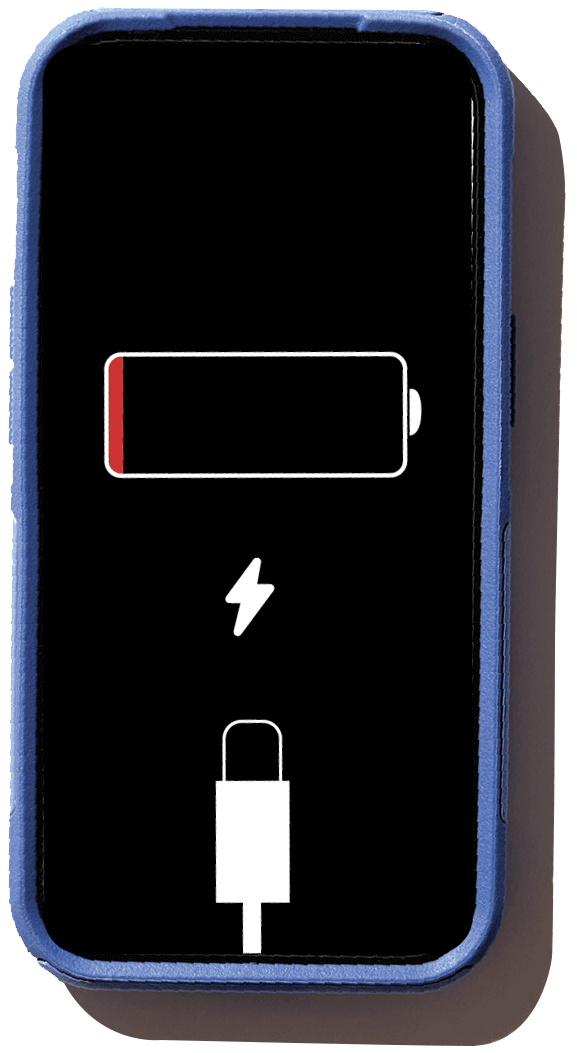
After a few days, if your phone is losing juice quickly but otherwise performing fine, then it may benefit from a fresh battery. But if other funky things are happening, that may be a sign that it’s time for a repair or a new phone.
Check your phone’s overall battery health:
iPhone (models 15 and later): Tap Settings, then Battery, then Battery Health. Check the Maximum Capacity, represented as a percentage. Dropping below 80 percent is a sign that a replacement battery is in order.
Android: Google Pixel (models 8a and later) users can tap Settings, then Battery, then Battery Health, then Battery Capacity. Google also uses an 80 percent threshold.
Some retailers that handle battery replacement are Batteries Plus, Best Buy, Staples and Apple stores.
Visit aarp.org/techguru for more device advice.