



















































Vacation snapshots used to pile up in dusty shoe-boxes; now the digital files clutter our computers. To give the memories meaning, bring them to life in custom-printed photo books for yourself and for each of your grandchildren.
Forget about finding the perfect photo album, getting pictures developed, sorting through the snapshots, placing them in the album, and sending it to the grandchildren. Digital software streamlines the process. If you can use a mouse to drag and drop, you can create a book that will bring raves.
Photo-book software ranges from simple to extravagant. Most software provides some level of customization; a few programs provide looks that rival the most embellished of scrapbook pages. The trick is to find the software that fits your style and level of expertise.
Here are some great tips from a variety of experts and regular photo-book makers for creating vacation albums:
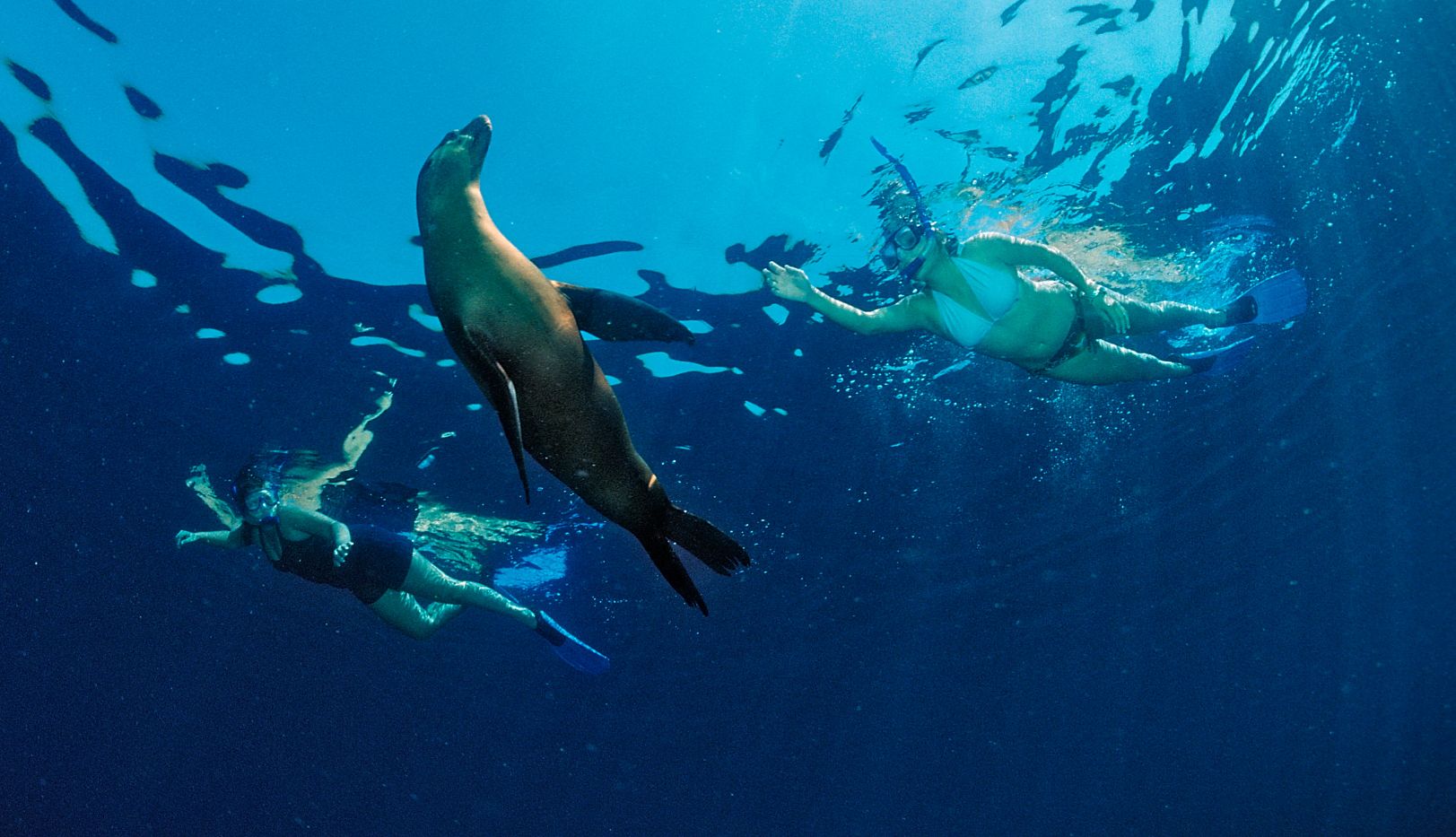
Prep your photos. Crop, eliminate red-eye, and fine-tune all the pictures you're considering using. Put these in a single folder ready to upload. Choose a variety of photos—funny shots, landscapes, close-ups—and remember to save some that include you.
Build your story. Think about how you want the story of your book to play out. Will it be chronological? By topic? Will funny pictures come first or last?
Consider adding words. Captions help you recall specifics, such as the name of the guide in the strange hat. However, words are not necessary for every photo. Try writing about your trip in the front of the book or throughout. Make it light without composing a novel. Your grandchildren will "hear" your voice and envision their trip for years to come. What do you want them to remember?
Plan spreads, not pages. Remember that pages do not stand alone, but as part of two-page spreads when the book is open. Make sure facing pages are compatible in subject and design. Try balancing layouts by, for instance, placing a large photo on one page and several smaller photos on the opposite page.
Go for impact. While it is tempting to cram lots of pictures into your book (some sites will let you put 20 on a page), resist that urge. You'll have more impact and a better story when you use fewer. Blogger Michele Horne explains that small ones are hard to see and don't come out nicely when printed.
Gauge your page. Americans, or anyone who reads from left to right, tend to look at the upper left first, so put your best work there.
Think beyond the pictures. Design expert Kathy Peterson suggests using your scanner to digitally capture doodles, artwork, or even handwritten captions to intersperse throughout your book. You can scan tickets, maps, and other small mementos and transform these images into backgrounds or photo illustrations.


Tell Us WhatYou Think
Please leave your comment below.
You must be signed in to comment.
Sign In | RegisterMore comments »